


Demo
IgH Master Example
Provide a reproducible Linux EtherCAT master entry point to reduce first-integration cost.
EtherCAT to CAN Gateway

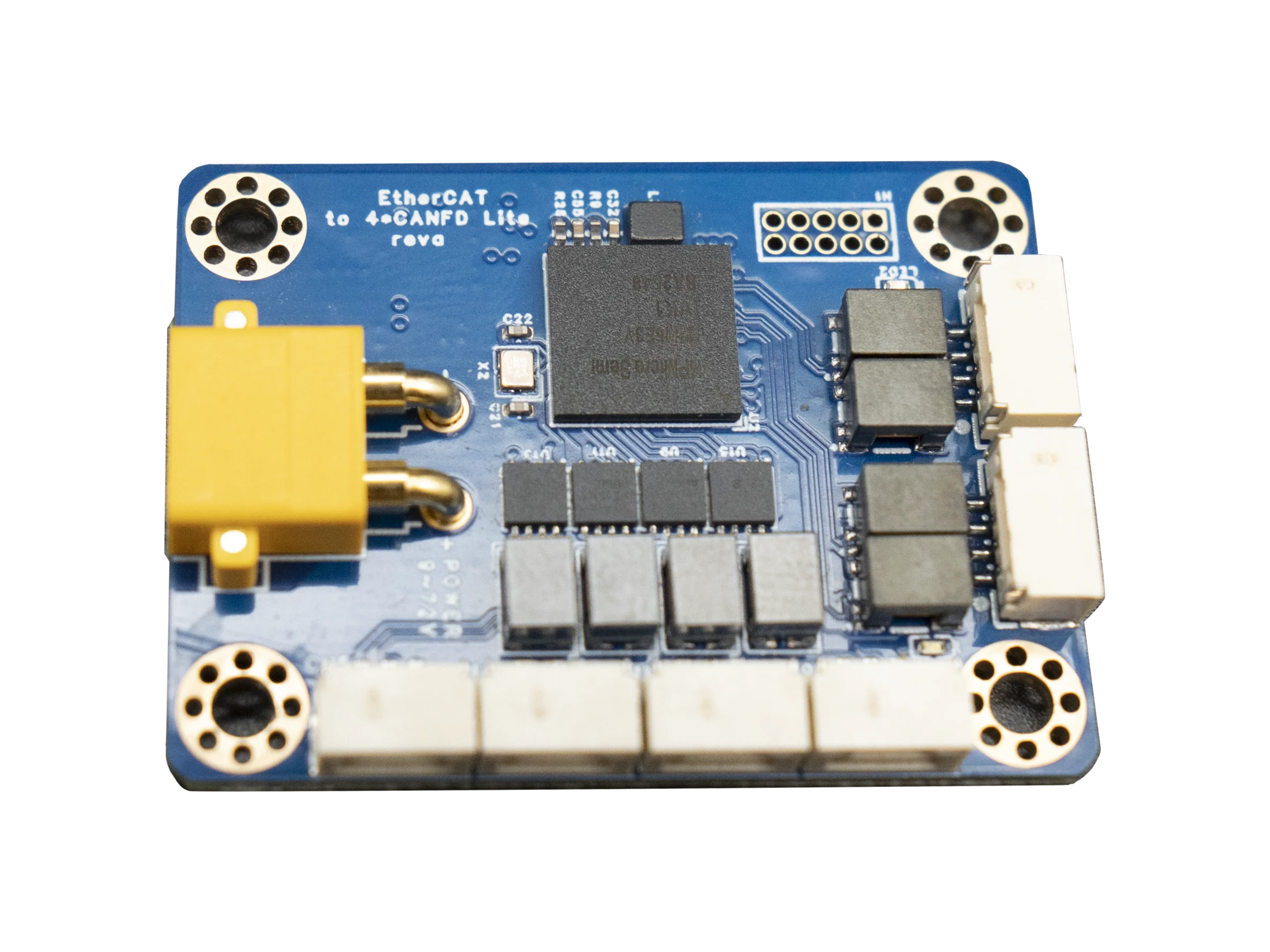
ECAN-Lite is a universal EtherCAT to CAN / CAN FD gateway: it covers CANopen device access while also supporting custom CAN frames, CAN FD extended data, and field protocol-bridge validation.
ECAN-Lite is built for protocol conversion and integration validation between EtherCAT masters and CAN, CAN FD, or CANopen devices, with XML descriptions, IgH demo packages, and tag-versioned direct-programming test binaries.
ECAN-Lite
Software Value
Demo
Provide a reproducible Linux EtherCAT master entry point to reduce first-integration cost.
Config
Ship XML, process-data, and CAN / CAN FD mapping guidance together for master-project checks.
Test
Publish test firmware, examples, and documents under one version for lab and field reproduction.
Highlights
EtherCAT slave process data mapping with XML device descriptions
CAN / CAN FD frame bridging, cyclic data mapping, and extended-frame transfer
CANopen node scan, object dictionary access, and state management
Interfaces & Status
Gateway Topology
Gateway firmware, XML, IgH demo, test binaries, and documents are shipped as one reproducible release.
EtherCAT Side
CANopen & Assets
Delivery
Each version should publish two documents: product overview and technical manual.
Import the same-version XML into the EtherCAT master project first.
Web docs, PDF, XML, binaries, and demo packages should share the same CI release version.
Typical Scenarios
Use XML and the IgH demo to validate EtherCAT master configuration and process-data mapping.
Bridge standard CAN, extended frames, and CAN FD data for custom device protocols and test links.
When CANopen is required, connect servo, IO, or custom nodes and validate NMT, SDO, PDO, and basic communication.
Release documents, demo, binaries, and XML under the same version for repeatable lab and field tests.
Product manuals, protocol references, and other PDF-format technical resources.
PDF / EN
English application manual included with firmware release v2.8.
Released: 2026-08-23
Checksum: SHA256 1ca5c2d8...f58626c4
DownloadEnglish product overview included with firmware release v2.8.
Released: 2026-08-23
Checksum: SHA256 87977d5b...43155585
DownloadEnglish technical reference included with firmware release v2.8.
Released: 2026-08-23
Checksum: SHA256 86e91aad...bc5b874f
DownloadFAQ
No. ECAN-Lite is positioned as a universal EtherCAT to CAN / CAN FD gateway. CANopen is one supported use case, while custom CAN frames and CAN FD gateway conversion are also core capabilities.
The XML describes the object dictionary, PDO mapping, and device capabilities. It must match the current firmware; after changing firmware, demo, or test binaries, update the XML as well.
No. ECAN-DEMO is a programming-verification image for the ECAN-Lite development board. The complete BIN can be programmed directly, but it does not include FoE functionality. ECAN-Lite-S must use ecan_lite_app_foe_sec_v*.bin and upgrade through EtherCAT FoE.
Check arbitration bitrate, data-phase bitrate, frame type, ID mapping, and cyclic data configuration. For CANopen projects, also check node ID, NMT state, object dictionary access, and PDO mapping.